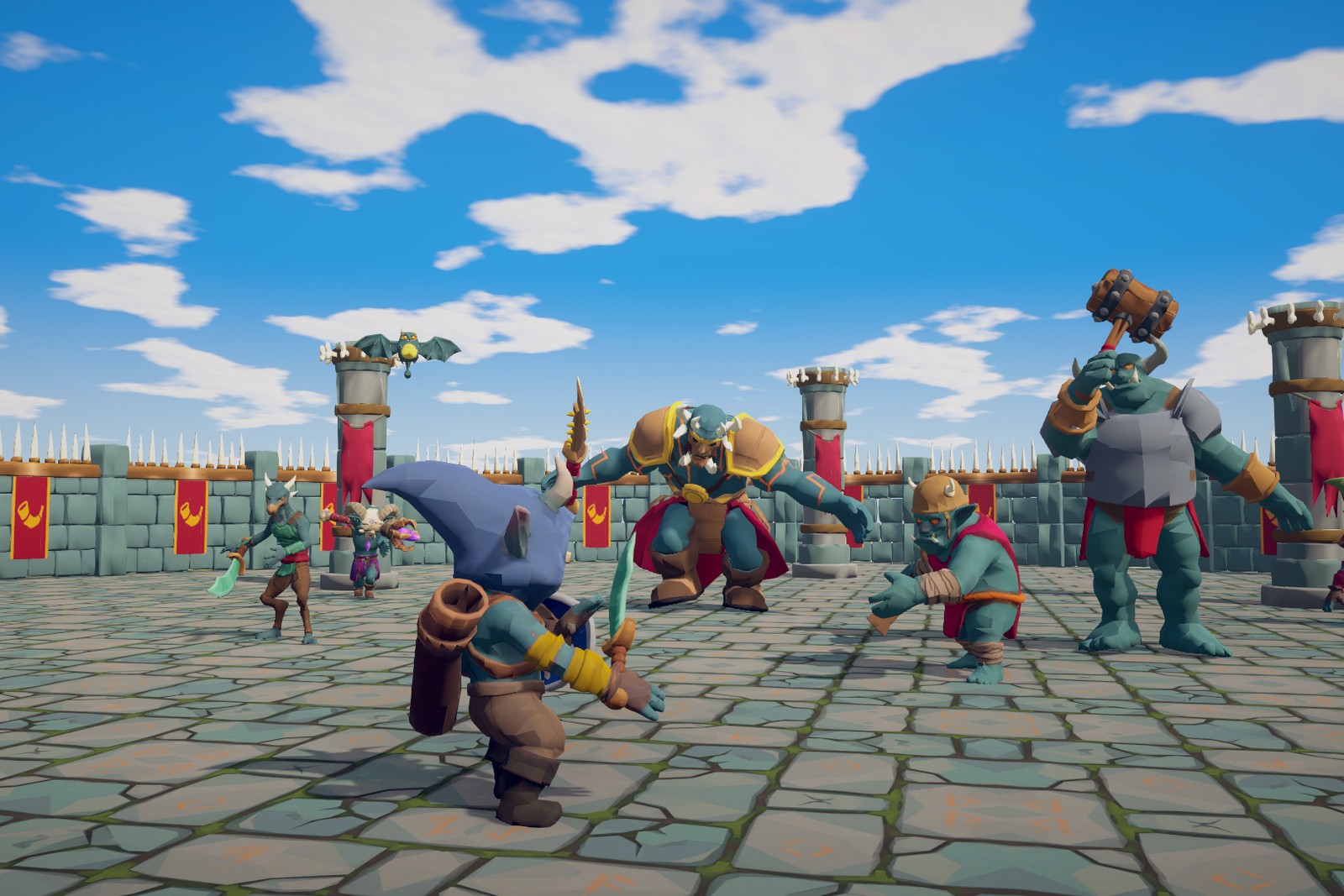
Eight action-RPG enemy archetypes on the TinnyStudios Utility AI framework, which comes included: senses and awareness, group tactics, readable attacks, difficulty profiles, wave encounters, a feedback system and animation tooling.
Read online · PDF, 11 MB
Make the enemies your own without writing code: your characters on their AI, weapons that sit right in the hand, your animations, attacks, sounds and effects, step by step.
Read online · PDF, 6 MB
Extend the enemies in C#: new actions and considerations, new kinds of attack, your own feedback outputs, and hooking up your own player, damage and movement.
Read online · PDF, 4 MB
Getting started
- Import the package. The Utility AI core comes with it. On the first load, RPG Enemies: Package Dependencies offers to install the AI Navigation package (required) and Post Processing (optional, demo only). On URP it then offers to convert the pack's materials. The art ships for the Built-in pipeline; HDRP is not supported.
- Press Play in
Demo/Scenes/RPGEnemiesDemo.unity. Walk into the camp or press 1-7 to jump to a zone. F1 opens the AI debug view.
- Your own scene: bake a NavMesh, drag prefabs from
Prefabs/Enemies onto it, and add Simple Combat Target and a Health to your player. The Manual's Quick Start chapter takes it from there.
Requirements: Unity 6 (6000.0 or newer), Built-in Render Pipeline (URP after conversion), AI Navigation package, legacy Input Manager for the demo player.
Try it first: the browser demo is the pack's demo scene as a WebGL build: the camp, all seven zones, the test player and the F1 AI Debug View.
Support: tinnystudios@gmail.com. Include your Unity version, render pipeline and the package version.